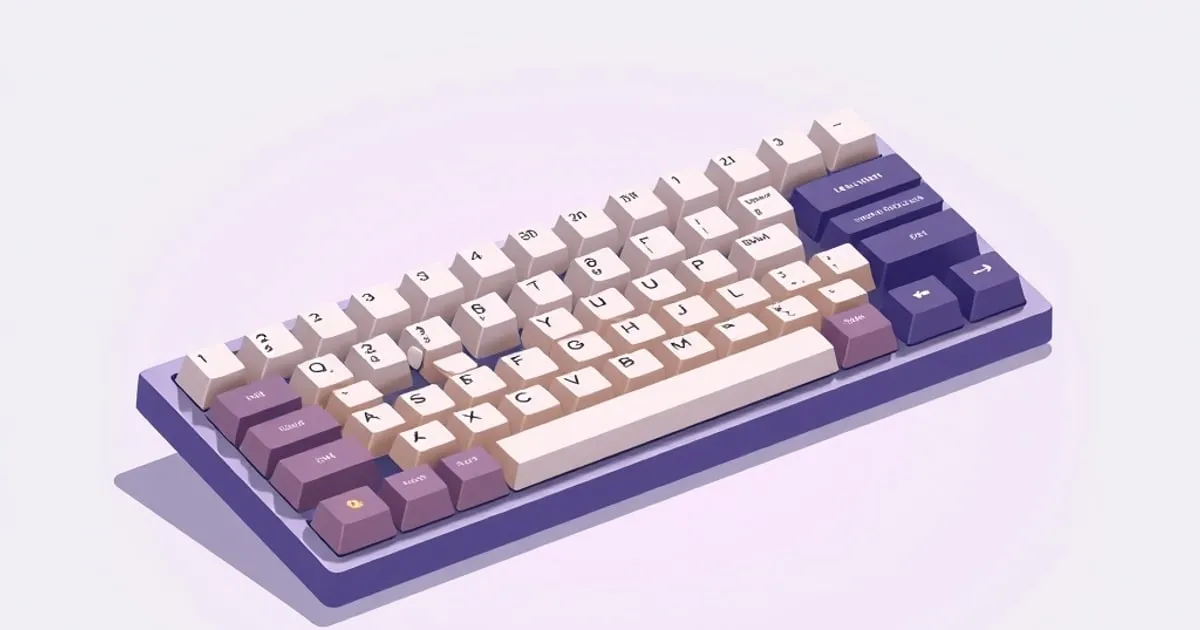
How to Clean a Mechanical Keyboard Without Ruining It
A grounded, step-by-step guide to cleaning a mechanical keyboard — surface dust, full keycap wash, and the things you should absolutely not do to the PCB.
A mechanical keyboard collects more than you think — skin oil, hair, crumbs, dust, the occasional crumb of pet, the very occasional drop of coffee. Most of it is cosmetic; some of it eventually causes sticky keys, scratchy switches, or, worst case, a dead PCB. The good news: a sensible clean is easy and cheap. The bad news: the wrong “clean” is one of the few things that can actually brick a board.
This is an honest, step-by-step guide that splits the job into three realistic tiers — surface dust, full keycap wash, and deeper internal cleaning — plus a short list of things you should not do, no matter what a TikTok says.
Before you start: three rules
- Unplug the keyboard, or power it off and remove the dongle. Wireless boards can register phantom inputs while you’re poking at them, and you don’t want a half-rinsed key spamming your last open document.
- Photograph your layout before pulling keycaps. Modern boards have non-obvious bottom rows and modifier layouts; a phone photo saves a frustrating reassembly later.
- Water and electronics are not friends. Keycaps are inert plastic and can be washed freely. The PCB, switches, and stabilizers are not dishwasher-safe, no matter how confident the internet sounds. Keep liquid away from anything that isn’t a bare keycap.
Tier 1: a quick surface clean (5 minutes, weekly is plenty)
This is the cleaning most people actually need most of the time. It does not require pulling any keycaps.
- Flip and tap. Turn the keyboard upside down over a bin and tap firmly on the case. The amount of debris that falls out the first time is genuinely surprising. Do this before anything else; it removes the bulk of dust and crumbs without effort.
- Brush between keycaps. A soft brush — a clean paint brush, a dedicated keyboard brush, or a soft makeup brush — sweeps surface dust from between caps. Brush in one direction, then flip-and-tap again.
- Wipe the tops. A slightly damp (not wet) microfiber cloth handles the oily sheen that builds up on heavily used keycaps. A drop of isopropyl alcohol on the cloth helps with stubborn shine, but wipe the cloth, not the keys directly, and never let liquid pool around a switch.
- Skip the compressed air can on a switch-down board if you can. Mainstream cleaning guides (Logitech, for example) commonly recommend compressed air, and it does work — but on an open-frame mechanical with exposed switches, high-pressure air can drive grit into the switch instead of out. A bulb blower (the kind sold for camera lenses) gives gentler control and is almost always enough.
For most people, doing only Tier 1 every week or two keeps a board looking and feeling clean indefinitely.
Tier 2: full keycap wash (30 minutes plus drying, every few months)
When the spaces between keys are visibly grimy, or the legends look fuzzy from oil, it’s time for a full keycap wash. This is the satisfying one.
1. Pull all the keycaps
Use a wire keycap puller (the U-shaped one), not a plastic ring-style — wire pullers are less likely to scratch keycap sides. Pull straight up. Stabilized keys (spacebar, Enter, Shift, Backspace) need a little extra care: pull from one end gently to disengage the stabilizer bar before lifting the keycap fully off, or you’ll bend the bar.
Drop the keycaps into a bowl as you go. Set the keyboard itself aside — it stays dry.
2. Wash the keycaps
Warm (not hot) water plus a small amount of dish soap is sufficient. Let the keycaps soak 20-30 minutes; agitate occasionally; a soft toothbrush handles stubborn grime on the legends and inside the cap stems.
A few honest caveats here:
- Don’t use hot water. Hot water can dull or warp keycaps, particularly on cheaper ABS sets. Warm is fine; lukewarm is safer.
- Skip dishwashers. The temperature is too high and unpredictable, and the dry cycle can warp caps.
- Avoid abrasive cleaners or solvents (acetone, harsh alcohol scrubs). They can strip legends, especially on pad-printed or laser-etched keycaps. Plain soapy water is genuinely the right answer.
- Doubleshot vs printed legends matter. Doubleshot keycaps (where the legend is a second piece of plastic molded through) are essentially uncleanable-to-failure on the legend. Pad-printed or UV-printed legends can wear off with aggressive scrubbing — be gentle on those.
For more on cap construction and durability, see our guide to PBT vs ABS keycaps.
3. Rinse and dry completely
Rinse thoroughly under clean water. Lay the keycaps stem-down on a towel and let them air-dry. Do not reinstall until fully dry — overnight is the safe default. Trapped water in a stem will eventually seep into the switch, which is the failure you’re trying to avoid.
While they dry, this is the perfect moment to do a Tier 1 brush-and-blow of the bare keyboard.
4. Reinstall using your photo
Press each keycap straight down until it seats. Stabilized keys: align the bar into the stabilizer wire’s hooks first, then press the cap down. If a stabilized key feels stiff or off-center, lift it and reseat it; don’t force it.
Tier 3: internal cleaning (rare, only if needed)
If a single switch is sticky, scratchy, or registering doubles, the issue is usually inside that switch, not the whole board. Tier 3 means addressing one or a few switches rather than tearing the board down.
- For a single sticky key: pull the keycap, blow out the switch with a bulb blower, and actuate the switch a dozen times by hand. This alone fixes a lot of mild stickiness.
- For a switch that’s clearly contaminated (something spilled in): on a hot-swap board, pull the switch and replace it — a single switch is cents to dollars. On a soldered board, replacement requires desoldering, which is its own project; in that case, trying to clean in place (light isopropyl on a swab, never poured in) is the realistic option.
- For a board you want to deep-clean the case on: disassembling a keyboard’s case to clean inside is doable but is genuinely a build-quality and modding territory project — only worth doing if you’re already interested in opening boards.
iFixit’s mechanical keyboard cleaning guide is a good visual reference if you’ve never disassembled one before; the steps vary by board, but the principles are universal.
TL;DR
| Tier | When | Effort | Risk |
|---|---|---|---|
| 1: Surface | Weekly | 5 min | None |
| 2: Keycap wash | Every few months | 30 min + overnight dry | Low if you don’t rush drying |
| 3: Internal/switch | Only when a key is bad | Varies | Higher; hot-swap helps a lot |
The “do not do this” list
A short, specific list of things that show up in cleaning advice and shouldn’t:
- Don’t put the keyboard in the dishwasher. This advice circulates because vintage all-plastic keyboards sometimes survived it. Modern mechanical keyboards have PCBs, controllers, often LEDs, and frequently batteries. Submerging the whole board kills it more often than not, and any “I did it and it worked” anecdote is survivorship bias.
- Don’t pour liquid onto the board — not water, not alcohol, not contact cleaner. Apply liquids to a cloth or swab, never directly.
- Don’t use a vacuum cleaner directly on the switches. Beyond the static risk on some vacuums, the suction can dislodge small parts (stabilizer clips, loose keycaps) you didn’t mean to remove. A blower is gentler and almost always sufficient.
- Don’t reinstall keycaps wet. Even a small amount of trapped moisture in the stem will end up inside the switch.
- Don’t ignore a spill on a wireless board with the battery still connected. Power off, pull the dongle, and if liquid actually entered the case, the safest move is to open it (if you can) and air-dry for at least 24 hours before powering on.
A realistic maintenance cadence
For most people, a sustainable rhythm looks like this:
- Weekly: 60-second flip-and-tap, brush between keys.
- Monthly: wipe the keycap tops with a damp microfiber cloth.
- Every 3-6 months: full keycap wash if the board sees daily use.
- As needed: switch-level attention only when a key misbehaves.
It pairs well with the other “keep an existing board feeling great” projects: a stabilizer tuning pass the next time you have all the caps off, or a fresh set of PBT keycaps if the existing ones have shined past saving. Stick to soapy water for keycaps, keep liquid away from everything else, dry fully, and resist the urge to “deep clean” parts that aren’t asking for it.
Sources
Related

How to Tune Keyboard Stabilizers: Rattle, Lube, Tuning
Stabilizers are the single biggest source of that cheap 'rattle' on spacebar and Enter. An honest guide to what stabilizers do, why they rattle, and the

Switch Modding: Lube, Films, and Spring Swaps Explained
Lubing switches, adding films, and swapping springs are the core switch mods enthusiasts swear by. An honest explanation of what each one actually

Keycap Profiles Compared: Cherry, OEM, SA, DSA, XDA, MT3
Keycap profile changes typing feel and sound more than most expect. Honest comparison of Cherry, OEM, SA, DSA, XDA, and MT3 — shape, feel, sound.